Quick Guide
Intro
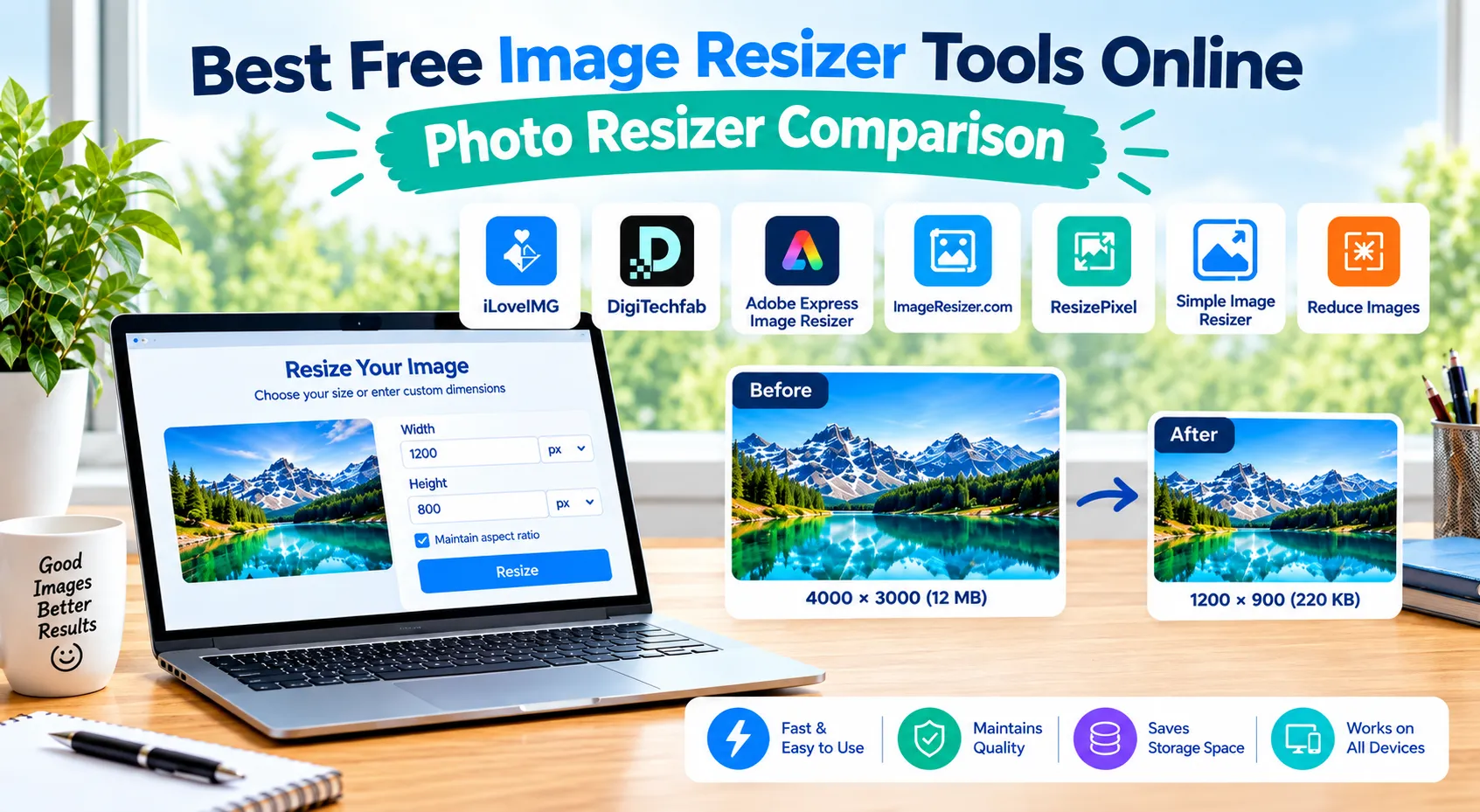
Images are an important part of websites, blogs, social media posts, online stores, and digital marketing campaigns. However, using images with incorrect dimensions can affect page speed, user experience, and overall content quality.
A large image file may slow down a website or a web page, while an image with improper dimensions may look stretched or unclear. This is why many users search for the best free image resizer that can quickly adjust image dimensions without requiring high level/professional software.
A good photo resizer should make the process simple: upload an image, select the required specific size, maintain quality, and download the final file. Whether you need to resize images for a website, social media, e-commerce products, or documents, online resizing tools can save time.
Why Use an Online Image Resizer?
Images often come directly from cameras or smartphones with very high resolutions. While high-quality images are useful, they are not always suitable for online use.
Using an image resize tool can help you:
- Improve website loading speed
- Prepare images for social media platforms
- Adjust product images for online stores
- Create thumbnails and banners
- Meet upload size requirements
- Maintain consistent image dimensions
For example, a blog image might need a different size compared to an Instagram post or an e-commerce product listing.
A reliable resize image online tool allows users to change dimensions quickly without installing complicated editing software.
What Features Should a Good Image Resizer Have?
Before choosing a resizing tool, consider these important features:
Custom Pixel Dimensions
The ability to enter exact width and height values is useful when you need a specific size, ex. 1080×1080 pixels for social media graphics.
Aspect Ratio Control
A good tool should help maintain the original proportions so images do not appear stretched or distorted.
Multiple Format Support
Support for common formats like JPG, PNG, and WebP makes the tool more flexible.
Easy User Interface
Most users need a simple process without unnecessary editing options.
Quality Preservation
The resized image should remain clear after changing dimensions.
7 Top Photo Resizer
1. iLoveIMG Image Resizer
Website: https://www.iloveimg.com/resize-image
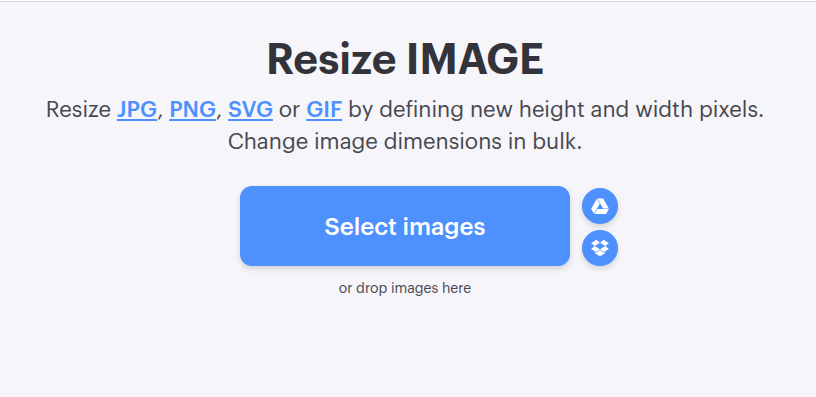
iLoveIMG is one of the widely used online tools for basic image editing tasks. It provides several features beyond resizing, including compression, conversion, cropping, and other image-related functions.
This platform is designed for intended users basically who want a quick solution for everyday image adjustments or customizations.
Key Features
- Resize images by pixels or percentage
- Support for popular image formats
- Option for batch image processing
- Additional image editing tools
- Simple upload and download workflow
Pros
✔ Easy for beginners
✔ Multiple image tools available in one place
✔ Useful for quick editing tasks
Cons
✘ Some advanced features may require additional steps
✘ Users looking only for resizing may find extra options unnecessary
Best For
iLoveIMG works well for bloggers, marketers, students, and general users who need more than just resizing.
2. Adobe Express Image Resizer
Website: https://www.adobe.com/express/feature/image/resize
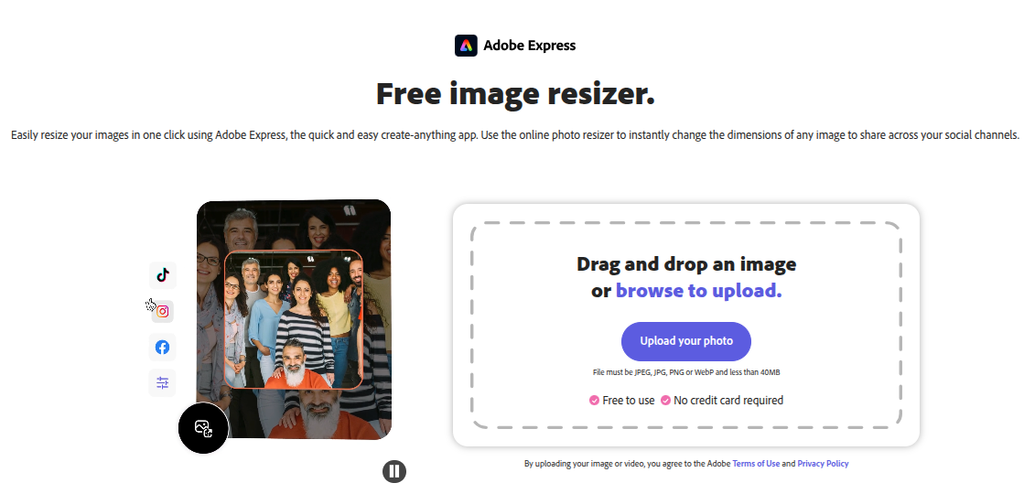
Adobe Express provides a good level more design-focused approach to image editing. It is part of the Adobe ecosystem and is useful for users who want resizing along with creative editing features.
Unlike basic resizing platforms, Adobe Express combines image adjustments with better templates, graphics, & design tools.
Key Features
- Resize images for different utilities
- Create social media graphics
- Add design elements
- Access creative templates
- Perform basic image edits
Pros
✔ Trusted creative platform
✔ Good for marketing designs
✔ More editing options available
Cons
✘ May feel excessive for users who only need simple resizing
Best For
Adobe Express is suitable for designers, marketers, and users who want to resize images while creating professional visuals.
3. DigiTechfab Image Resizer
Website: https://digitechfab.com/resize-image-in-pixel/
DigiTechfab Image Resizer is designed for users who want a straightforward way to resize image by pixels without unnecessary complexity. This is very easy to use and so simple tool. The tool focuses on giving users direct control over image dimensions through width and height settings.
The interface provides a simple workflow where users can upload an image, enter the required pixel dimensions, maintain aspect ratio, and resize the file.
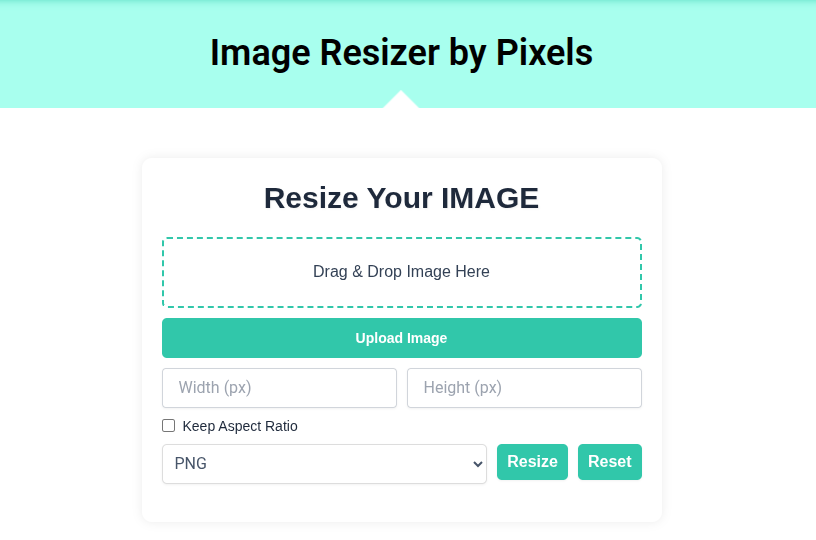
How DigiTechfab Image Resizer Works
The process is simple:
- Upload your image using the drag-and-drop area or upload button.
- Enter the required width and height in pixels.
- Enable the “Keep Aspect Ratio” option if you want to maintain image proportions.
- Select the preferred format such as PNG, JPEG & WEBp.
- Resize and download the image.
Key Features
Pixel-Based Image Resizing
Users can manually enter exact dimensions, making it useful when specific image sizes are required for websites, designs, or social platforms.
Simple Interface
The clean layout removes unnecessary distractions and focuses only on the resizing process.
Aspect Ratio Option
The aspect ratio feature helps control images from becoming stretched when changing dimensions.
Multiple Format Support
The tool supports common image formats, making it suitable for regular resizing requirements.
Pros
✔ Easy-to-understand interface
✔ Direct pixel control
✔ Suitable for quick resizing tasks
✔ No complicated editing workflow
Cons
✘ Mainly focused on resizing rather than advanced editing features
Best For
DigiTechfab is suitable for users who need a simple resize image by pixels online solution, including website owners, bloggers, developers, marketers, and students.
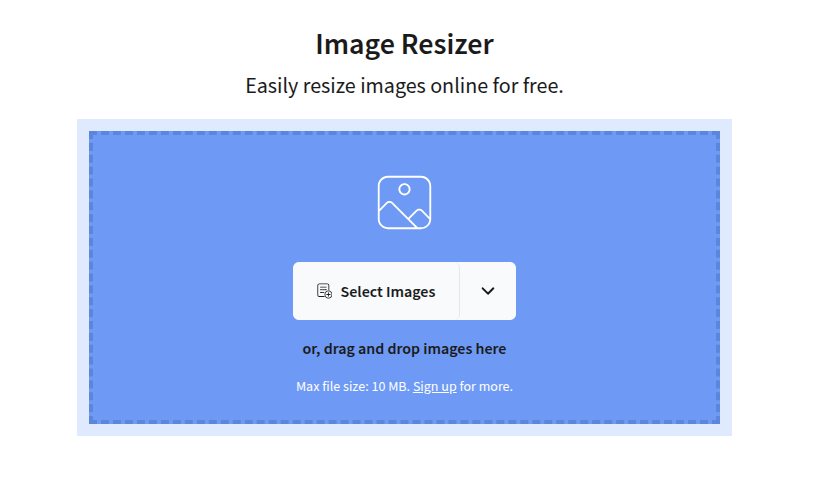
4. ImageResizer.com
Website: https://imageresizer.com/
ImageResizer.com focuses mainly on making image resizing quick and simple. It is designed for users who do not need complicated editing features.
This platform allows users to adjust image dimensions & prepare files for different online needs.
Key Features
- Custom image dimensions
- Simple upload process
- Quick resizing
- Beginner-friendly interface
Pros
✔ Very easy to use
✔ Good for quick resizing jobs
✔ Simple workflow
Cons
✘ Limited advanced editing options
Best For
It is a good choice for users who only need basic image dimension changes.
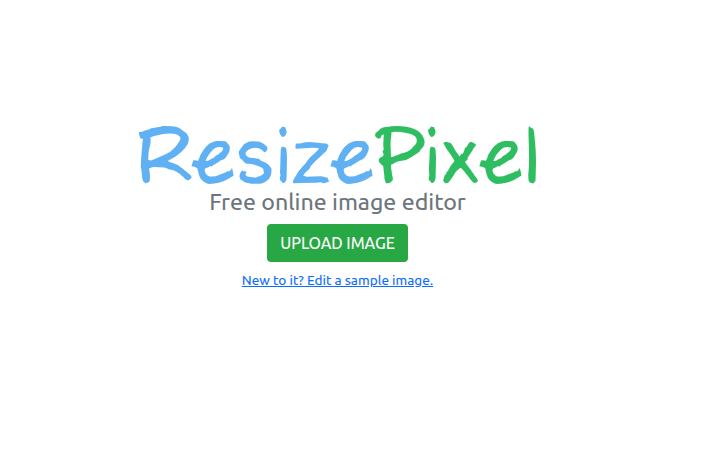
5. ResizePixel
Website: https://www.resizepixel.com/
ResizePixel is another lightweight option for users looking for online image adjustments. It provides tools for resizing, cropping, compression, and format conversion.
Key Features
- Resize JPG & PNG images
- Crop images
- Compress files
- Convert image formats
Pros
✔ Multiple useful tools
✔ Simple interface
✔ Suitable for everyday tasks
Cons
✘ Not focused only on professional image workflows
Best For
ResizePixel works very well for students, bloggers, & users who need occasional image editing.
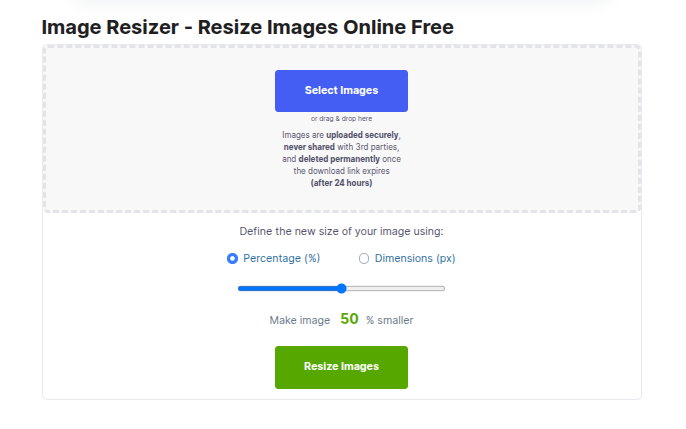
6. Simple Image Resizer
Website: https://www.simpleimageresizer.com/
As the name suggests, Simple Image Resizer focuses on providing a basic resizing experience.
Basically, users can upload images, select the required dimensions, & download the resized version.
Key Features
- Basic resizing functionality
- Easy navigation
- Suitable for beginners
Pros
✔ Minimal interface
✔ Fast process
✔ No learning curve
Cons
✘ Limited features compared to complete image platforms
Best For
Users who need a quick solution without extra editing features.
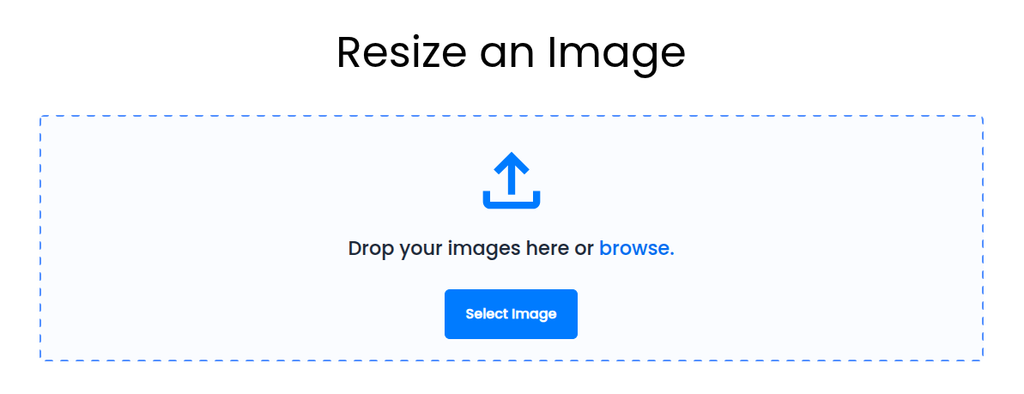
7. Reduce Images
Website: https://www.reduceimages.com/
Reduce Images is mainly focused on reducing image file size and improving optimization.
While resizing changes image dimensions, compression reduces the amount of data stored in the file.
Key Features
- Image compression
- File size reduction
- Optimization for web usage
Pros
✔ Helps reduce storage size
✔ Useful for website optimization
Cons
✘ More focused on compression than resizing
Best For
Website owners and developers who want lighter images for faster loading.
Comparison Table: Free Image Resizer Tools
| Tool | Best For | Pixel Resize | Ease of Use | Extra Features |
| iLoveIMG | General image editing | Yes | Easy | Compression, conversion |
| Adobe Express | Creative designs | Yes | Easy | Templates and editing |
| DigiTechfab | Quick pixel resizing | Yes | Very Easy | Simple resizing workflow |
| ImageResizer.com | Basic resizing | Yes | Easy | Simple tools |
| ResizePixel | Multiple image tasks | Yes | Easy | Crop and convert |
| Simple Image Resizer | Beginners | Yes | Very Easy | Basic resizing |
| Reduce Images | Image optimization | Limited | Easy | Compression |
Which Free Image Resizer Should You Choose?
The right tool depends on your requirements.
- Choose iLoveIMG if you need multiple image editing options.
- Choose Adobe Express if you also need creative designs and marketing graphics.
- Choose DigiTechfab Image Resizer if you want a simple tool to quickly adjust exact pixel dimensions.
- Choose ImageResizer.com or Simple Image Resizer for straightforward resizing tasks.
- Choose ResizePixel if you need additional editing features like cropping and conversion.
- Choose Reduce Images when your priority is reducing file size.
Thus,
A reliable photo resizer can make image management easier for web pages, social media, online stores (ecommerce sites), & digital projects. Instead of using heavy editing software, free online tools provide a faster way to adjust dimensions & prepare images for different utilities/platforms.
Each tool has its own purpose. Some focus on complete editing, while others provide a simple resizing experience (UX).
For users who need quick and accurate pixel adjustments, tools like DigiTechfab provide a straightforward approach. For users looking for additional creative features, platforms like Adobe Express may be more suitable.
Before selecting any tool/utility, consider your actual needs: whether you need exact dimensions, compression, design features, or simply a fast way to change image size online.